Join the call
Paste a Meet link and send the notetaker into the room with the right Slack destination.
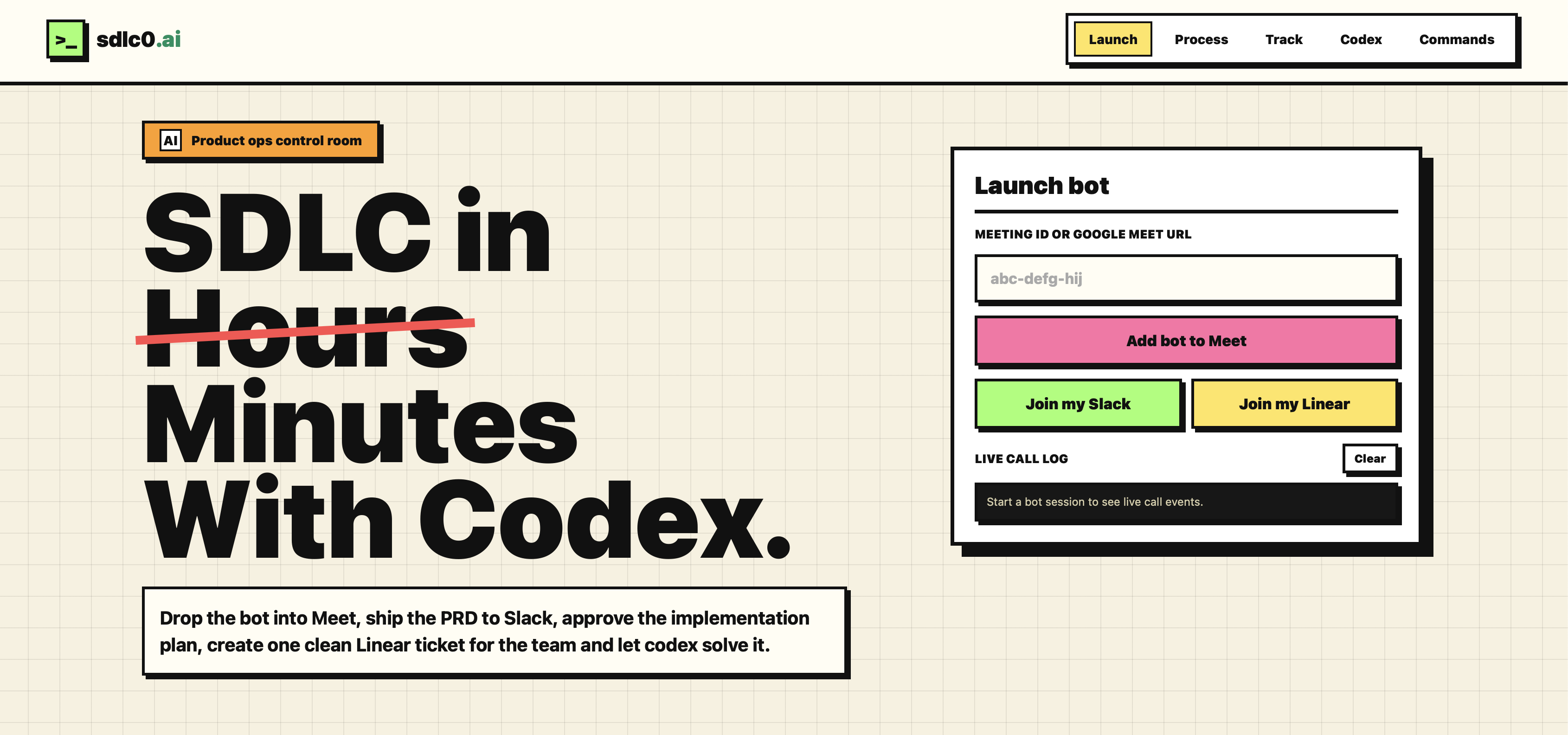
Drop the bot into Meet, ship the PRD to Slack, approve the implementation plan, create one clean Linear ticket for the team and let codex solve it.
 Demo
Demo
The bot turns messy product conversations into an approved plan, then hands the team one clear implementation ticket.
Paste a Meet link and send the notetaker into the room with the right Slack destination.
Deepgram captures the discussion, then OpenAI shapes the transcript into a structured PRD.
Review the PRD in Slack, approve the plan, and create a single Linear ticket from the agreed scope.
Codex can pick up the Linear tasks, deliver the changes, and close the loop.
Tag the bot with a status question and get the current Meet, PRD, Linear, GitHub, and Codex state back in the same Slack thread.
Join my SlackOpen the Live Codex route to inspect the active session, queued ticket, changed files, logs, diffs, linked PRs, and review state.
Open Live CodexUpdate roadmap decisions, inspect versions, and ask product questions without leaving Slack.
See every PRD and tracking command.
/prd help
List the saved PRD version history.
/prd history
Repost a specific PRD version.
/prd show v2
Summarize what changed between versions.
/prd diff v1 v2
Update the PRD from roadmap notes.
/prd roadmap Q3 beta, Q4 launch
Ask questions against the latest PRD.
/prd What changed in scope?